 Pigeon
Blog
Notes from the nest
What we shipped, how things work, and a few tips for getting more out of Pigeon.
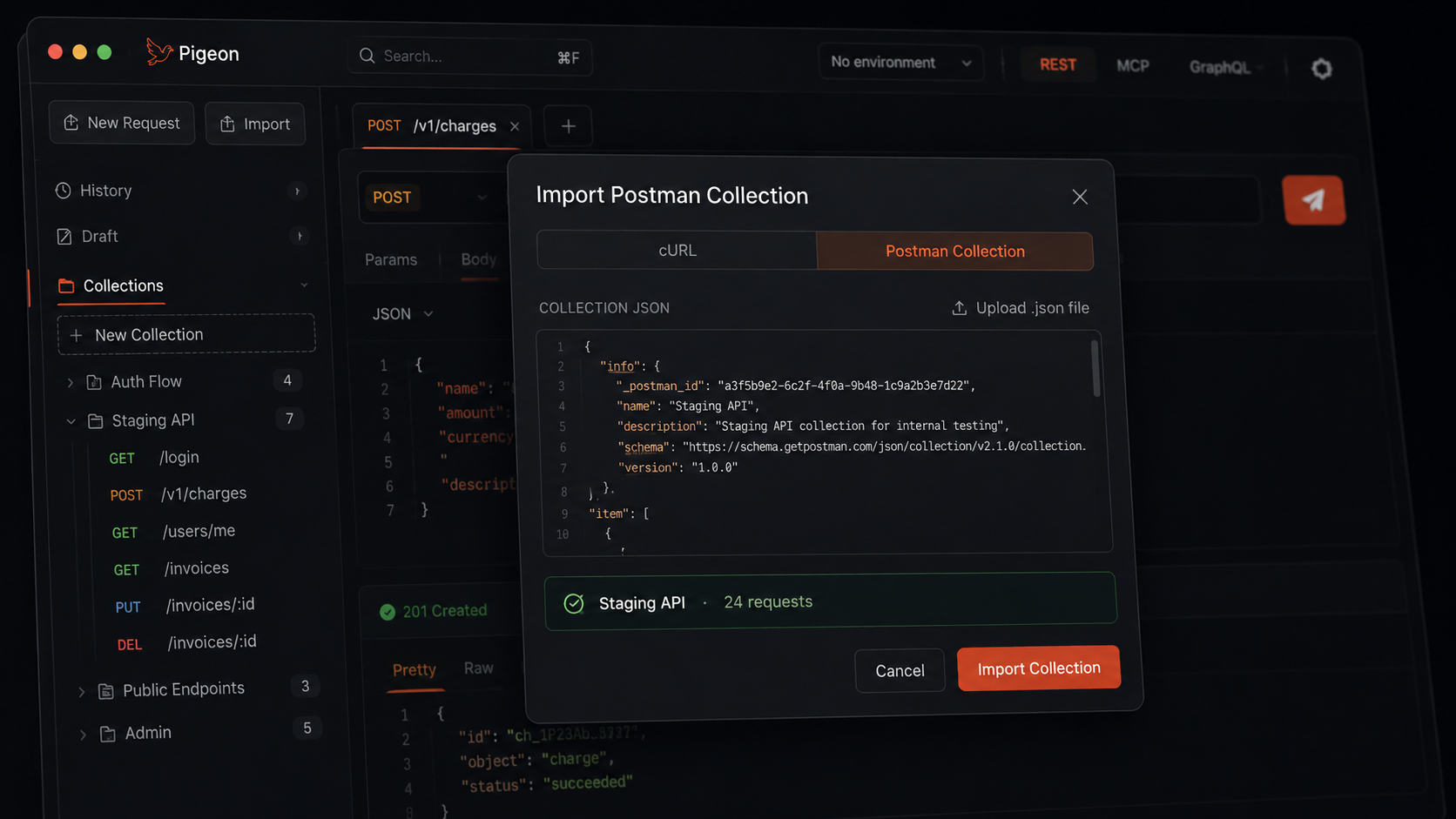
Bring a Postman collection with you
Import a Postman collection into Pigeon and keep working locally — folders, requests, no account wall. Free open-source macOS API client.
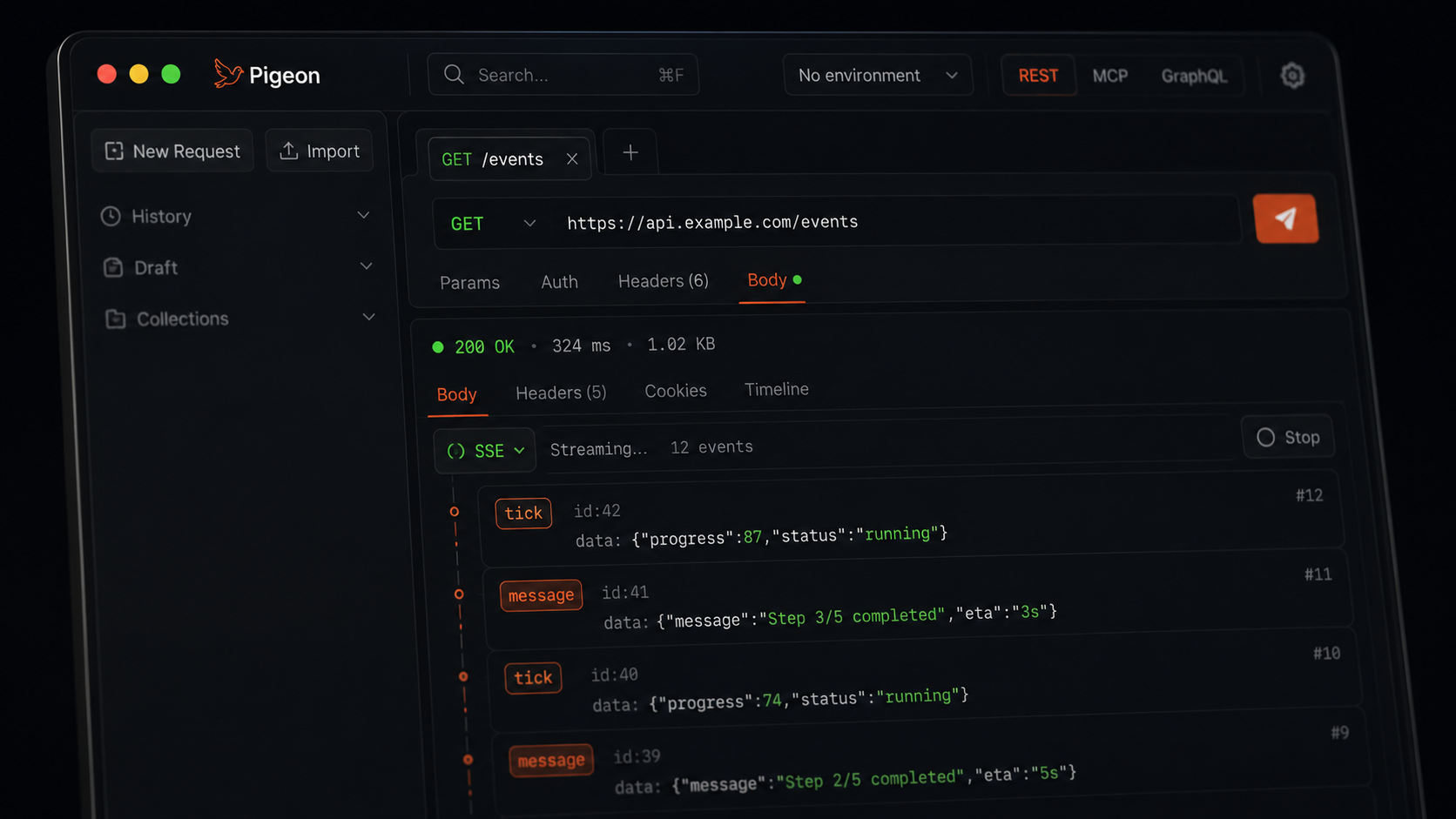
Watching SSE streams live
Open text/event-stream endpoints in Pigeon and watch SSE events arrive live. Newest on top, Stop anytime. Free open-source macOS API client.
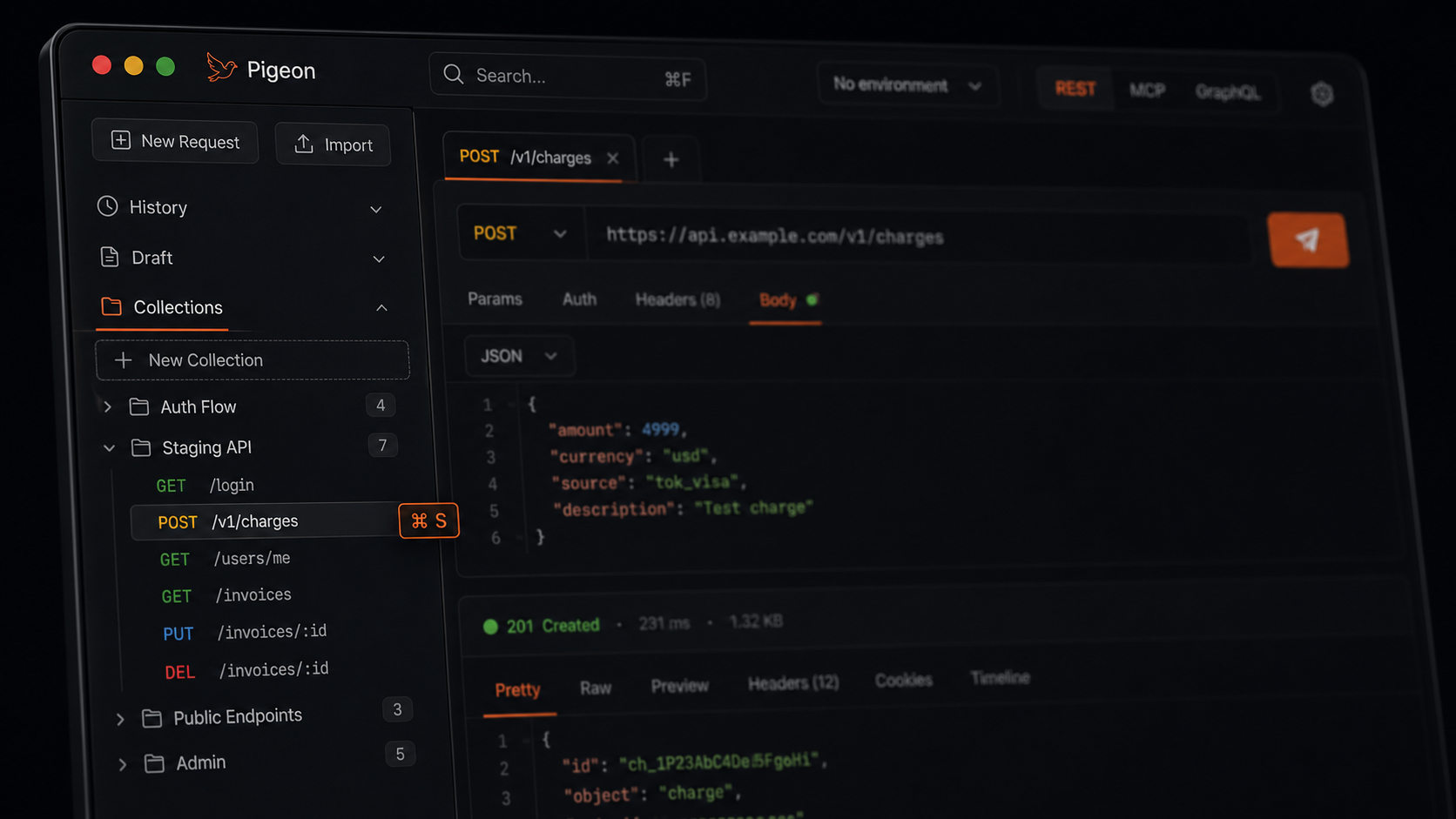
Collections when you mean it
History files itself; collections are the tree you build on purpose. Save with ⌘S, nest folders, keep everything local. Free Postman alternative for macOS.
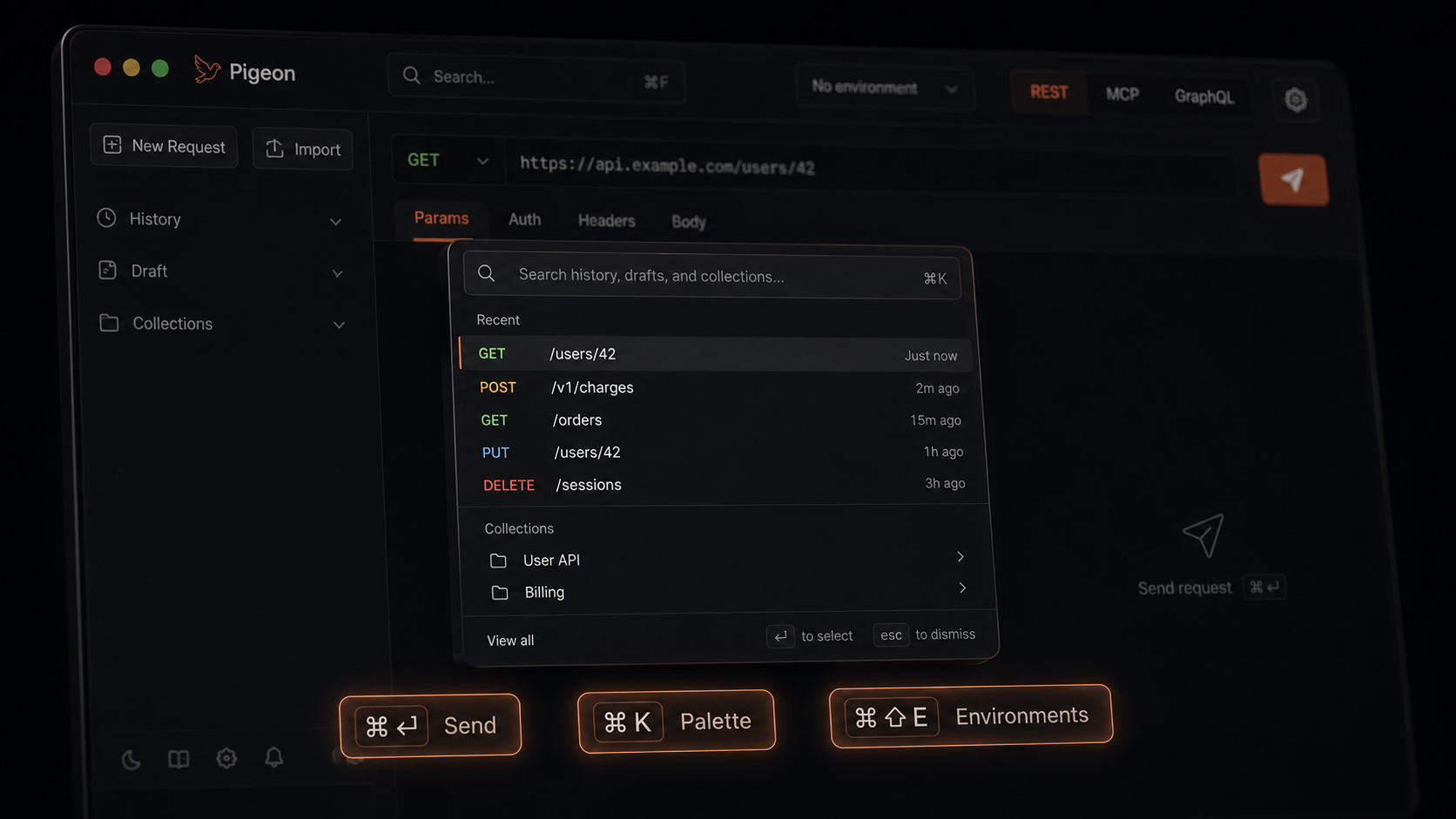
Keyboard-first, on purpose
Send with ⌘↵, switch environments with ⌘⇧E, search with ⌘K. Pigeon is a keyboard-first macOS API client — free, open source, no account.
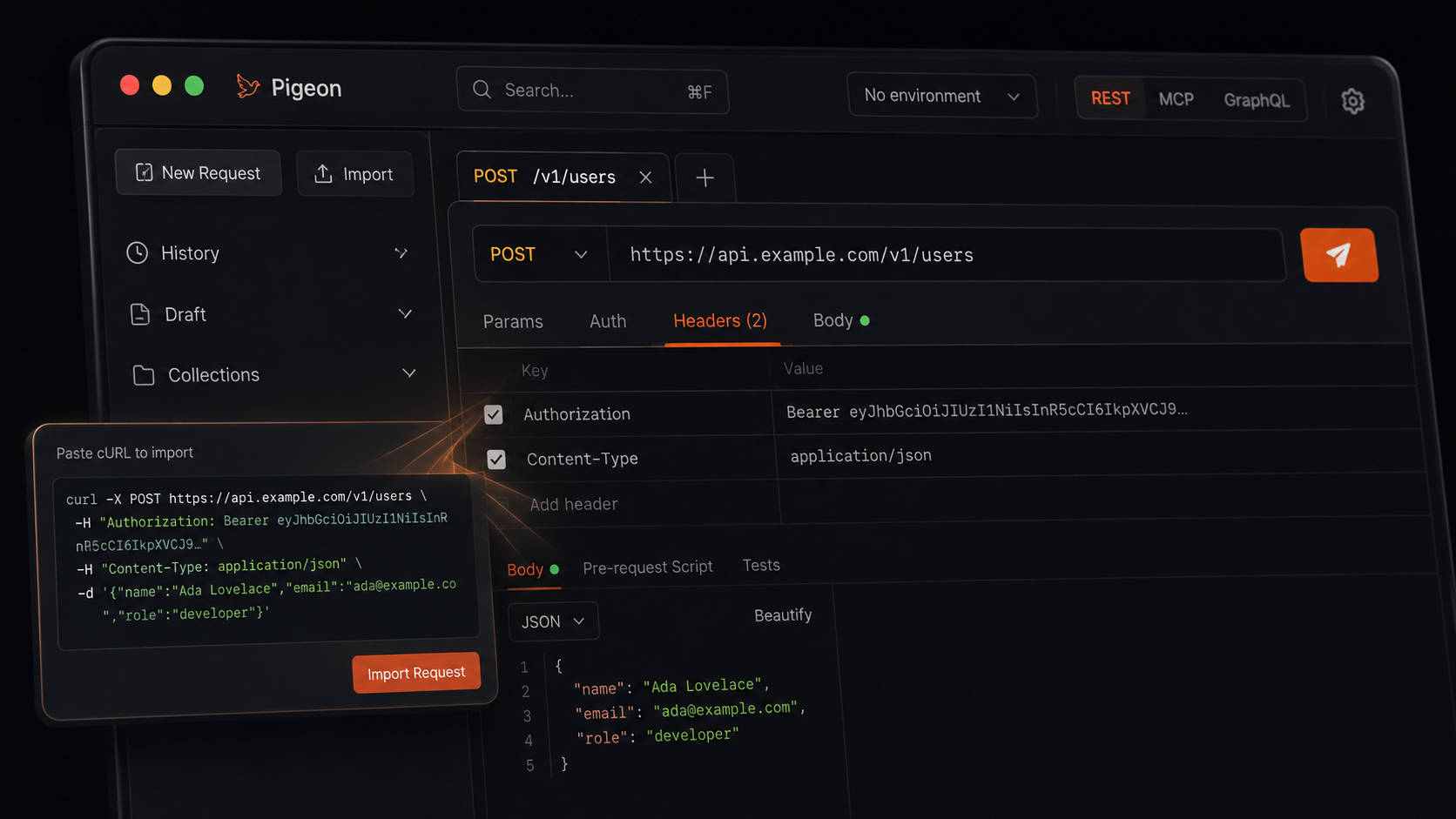
Paste a curl, get a request
Paste any curl from API docs into Pigeon and get a full request — method, headers, body. Copy back out as curl anytime. Free open-source macOS client.
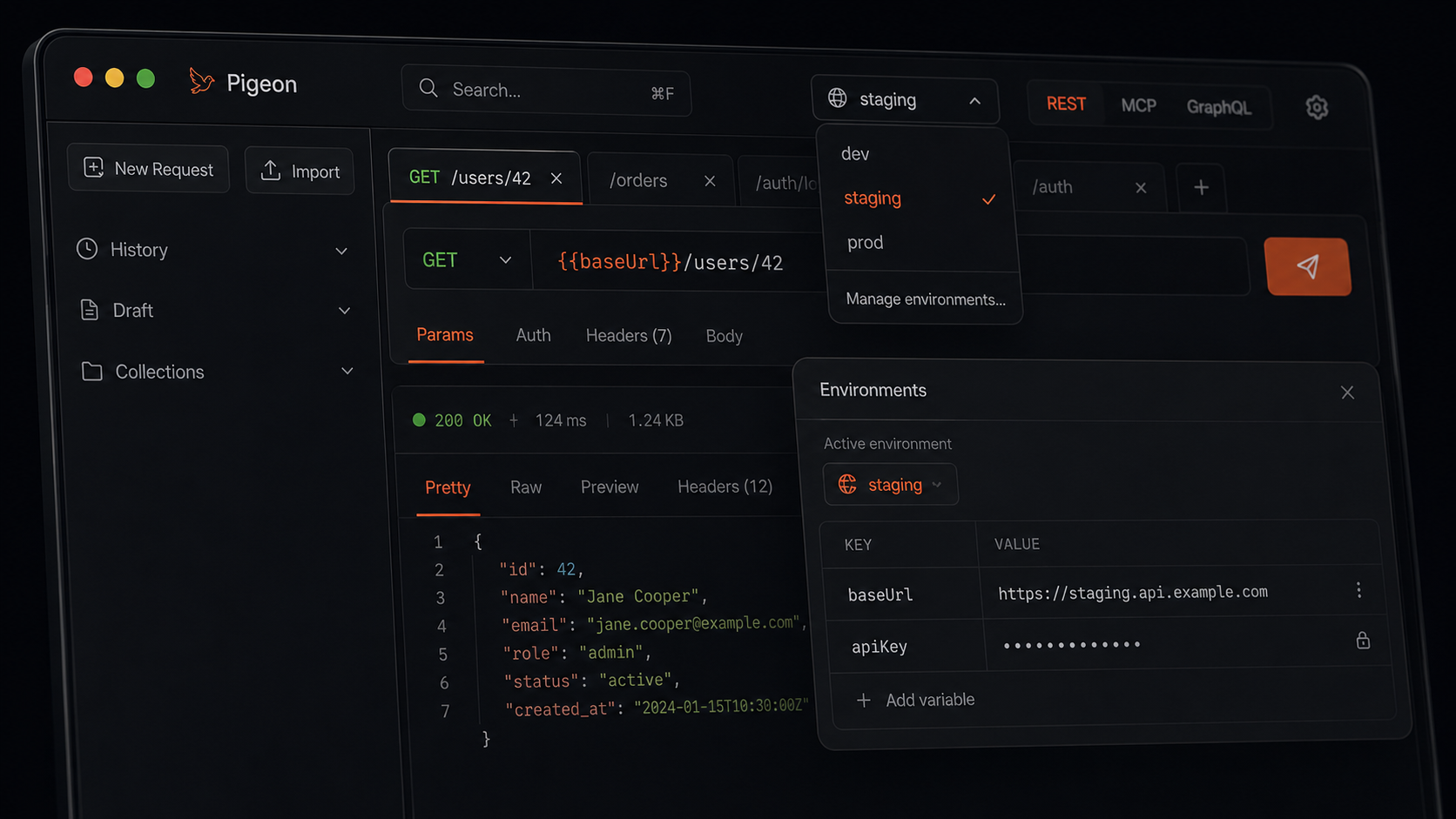
Environments without the mess
Switch {{baseUrl}} between dev, staging, and prod in Pigeon. Secrets stay masked; destructive calls to production get a confirm. Free macOS API client.
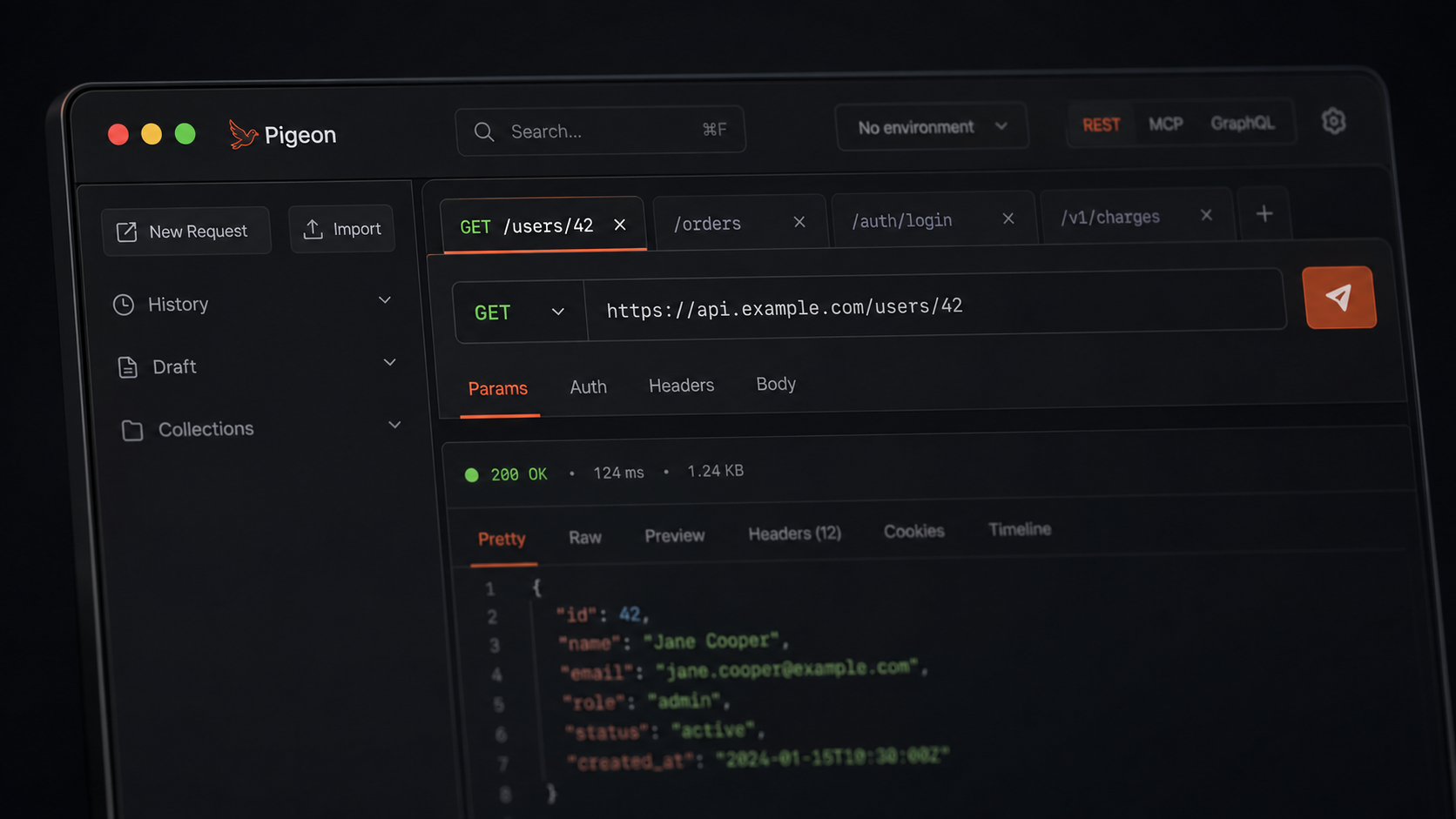
Tabs that name themselves
Pigeon names request tabs from the URL path when you send. Rename once to lock it. Free open-source macOS API client — a lighter Postman alternative.
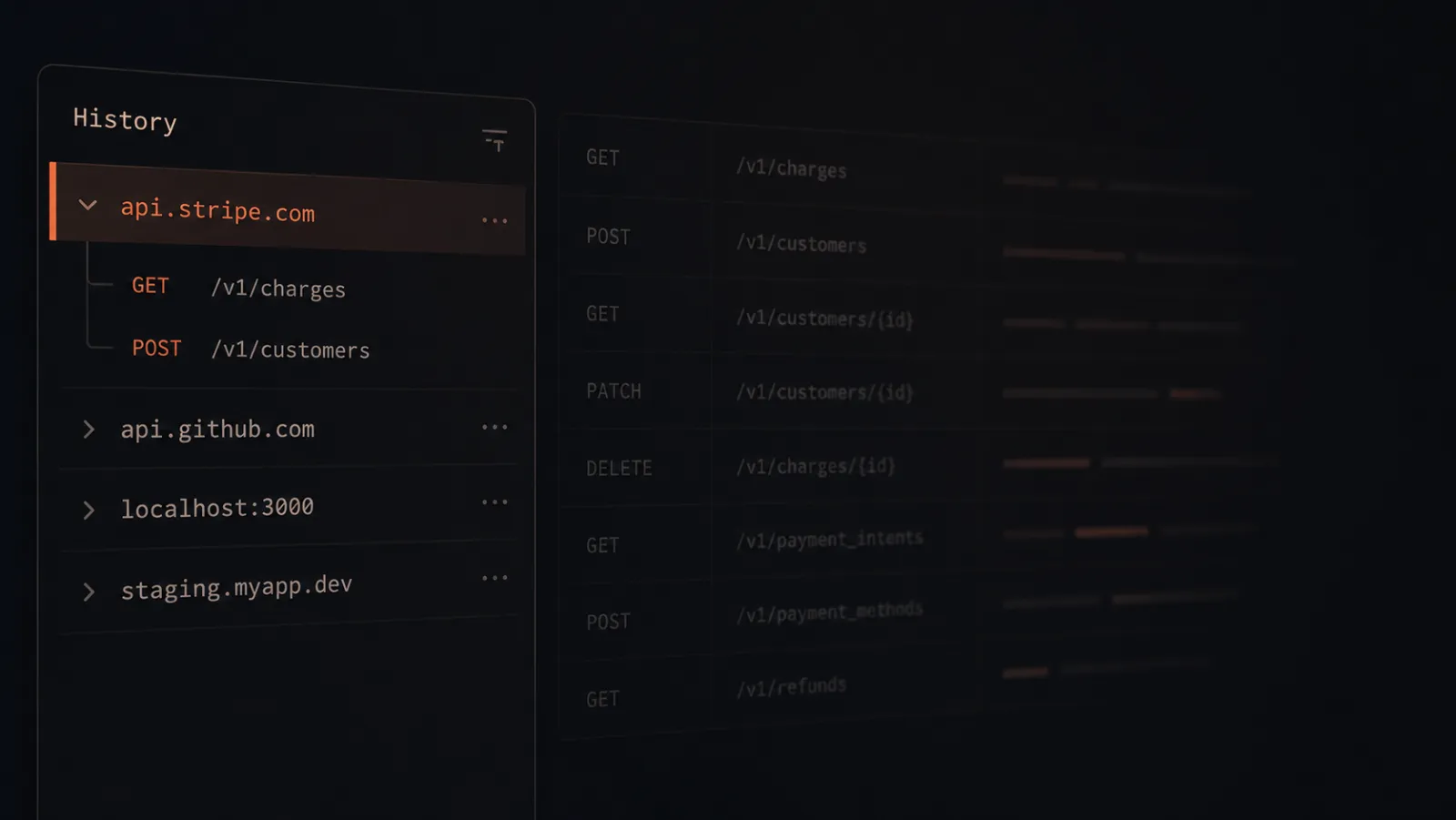
How Pigeon files every request by domain
Learn how Pigeon auto-files every API request under the host — api.stripe.com, localhost, and more. No Save dialog. A local-first Postman alternative for macOS.
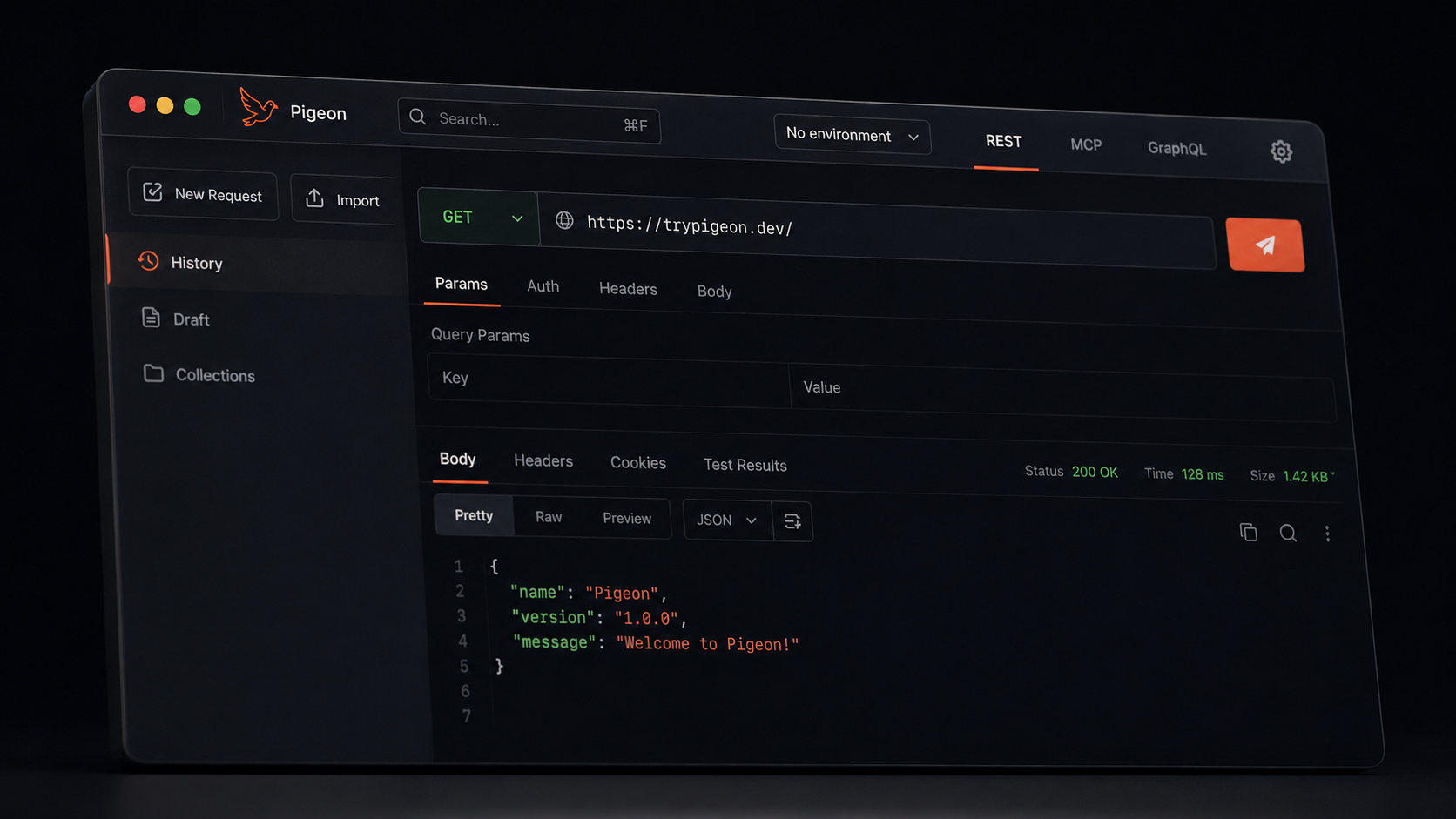
Welcome to trypigeon.dev
Pigeon’s new home at trypigeon.dev — free open-source macOS API client with auto-named tabs, domain history, environments, and cURL import.