 Pigeon
Bring a Postman collection with you
Import a Postman collection into Pigeon and keep working locally — folders, requests, no account wall. Free open-source macOS API client.
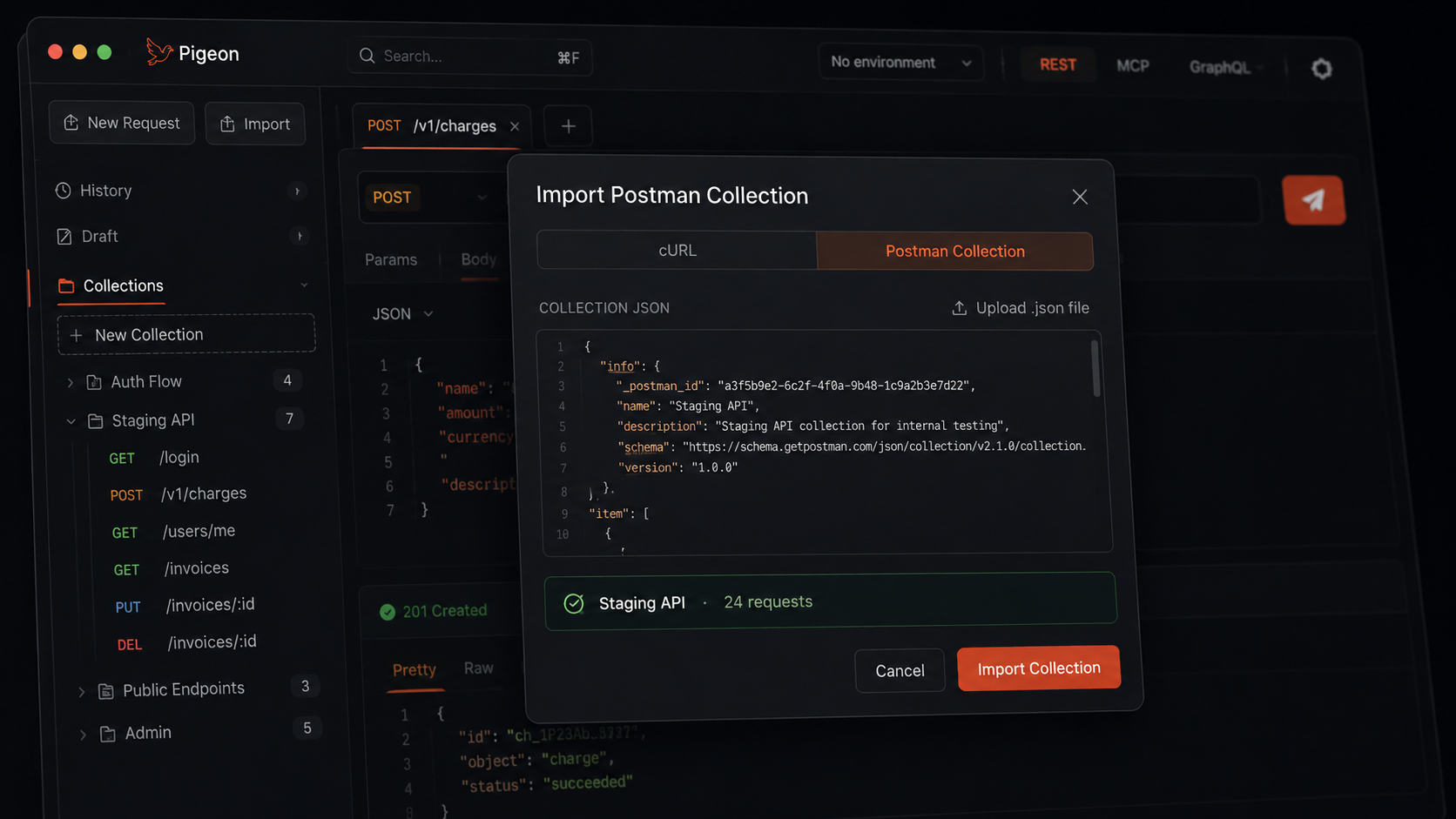
Maybe you’ve got years of requests in a Postman collection. Maybe a teammate exported one and dumped it in Slack. You shouldn’t have to rebuild that by hand.
Pigeon imports Postman collections. Folders and requests come across so you can keep sending from a local tree.
After import
Treat it like any other collection. Rename. Nest. Save new calls with ⌘S. History still files itself by domain while you explore.
Curl still works too
One-off snippets from docs? Paste curl. Full export from an old workspace? Import the collection. Two doors in, same local home.
You’re not locked into where the requests started — only where they live now: on your machine.
Get Pigeon
curl -fsSL https://trypigeon.dev/install.sh | shOpen source, free forever: github.com/pigeon-client/pigeon. Star it if it saves you a few clicks.