 Pigeon
How Pigeon files every request by domain
Learn how Pigeon auto-files every API request under the host — api.stripe.com, localhost, and more. No Save dialog. A local-first Postman alternative for macOS.
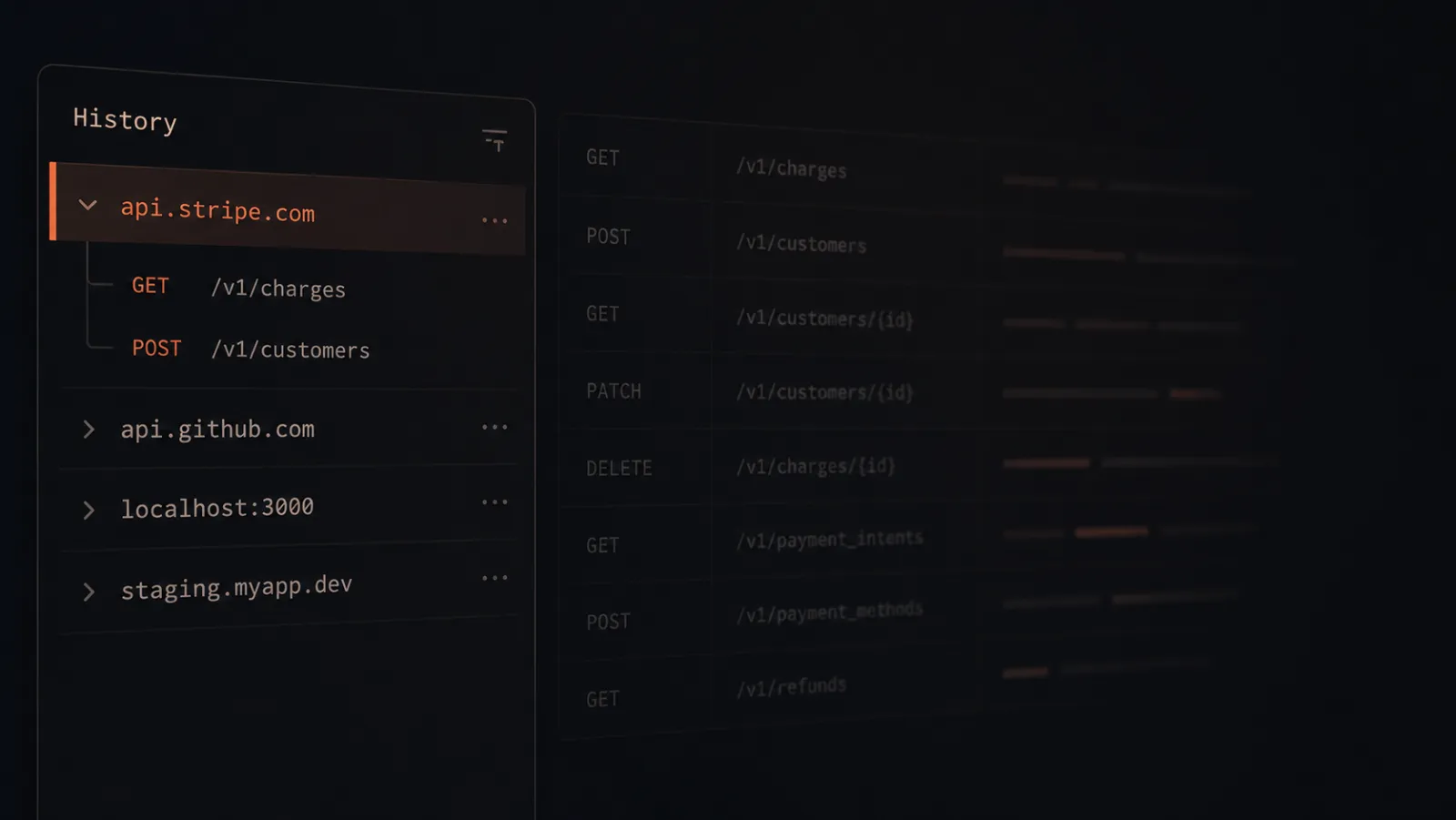
In most API clients, sending a request is step one. Then you rename the tab. Then you pick a folder. Then you remember to hit Save — if you remember at all.
Pigeon does the filing while you work.
What happens when you send
- Type a URL and hit send.
- The tab picks up the path as its name (unless you already renamed it — then it stays put).
- History lands under the domain, not a long list of timestamps.
So a morning of work might look like this in the sidebar:
api.stripe.com—/v1/charges,/v1/customersapi.github.com—/repos/.../pullsjsonplaceholder.typicode.com— quick test callslocalhost:3000— whatever you’re building locally
Same hosts you already think in. No extra folders to invent.
Why by domain?
When something breaks, you usually hunt by host: staging vs production, Stripe vs your own API, local vs the box in the cloud. Filing history that way matches how you look for things.
Want a hand-built tree? Collections are still there — save with ⌘S when you mean it. History is the automatic layer. Always on. Always local.
Send three requests to different hosts — say Stripe, GitHub, and localhost. Watch the sidebar sort itself.
Get Pigeon
curl -fsSL https://trypigeon.dev/install.sh | shOpen source, free forever: github.com/pigeon-client/pigeon. Star it if it saves you a few clicks.