 Pigeon
Keyboard-first, on purpose
Send with ⌘↵, switch environments with ⌘⇧E, search with ⌘K. Pigeon is a keyboard-first macOS API client — free, open source, no account.
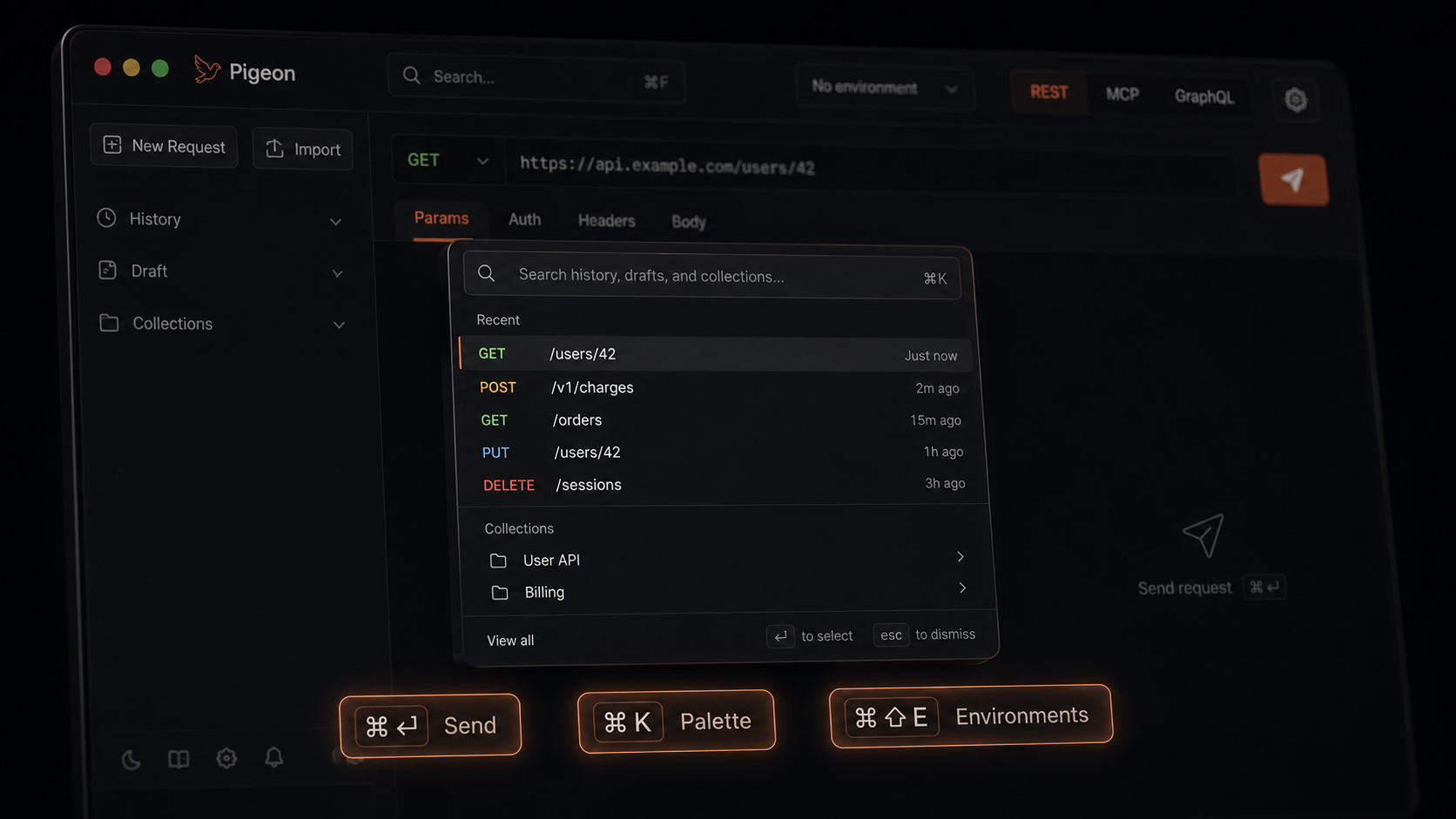
API work has a rhythm: tweak, send, read, tweak again. Every trip to the mouse breaks it a little.
Pigeon leans on the keyboard:
| Shortcut | What it does |
|---|---|
⌘↵ |
Send |
⌘K |
Command palette |
⌘⇧E |
Environments |
⌘S |
Save to a collection |
⌘/ |
Shortcuts help |
The point isn’t memorizing everything
Learn send and the palette first. The rest shows up when you need it — ⌘/ is right there.
If you’ve lived in an editor or a terminal, this should feel familiar. Same hands. Fewer clicks.
Get Pigeon
curl -fsSL https://trypigeon.dev/install.sh | shOpen source, free forever: github.com/pigeon-client/pigeon. Star it if it saves you a few clicks.